
Task templates
You save recurring assignments as templates, so you then set the "Functions worksheet" with a single click.
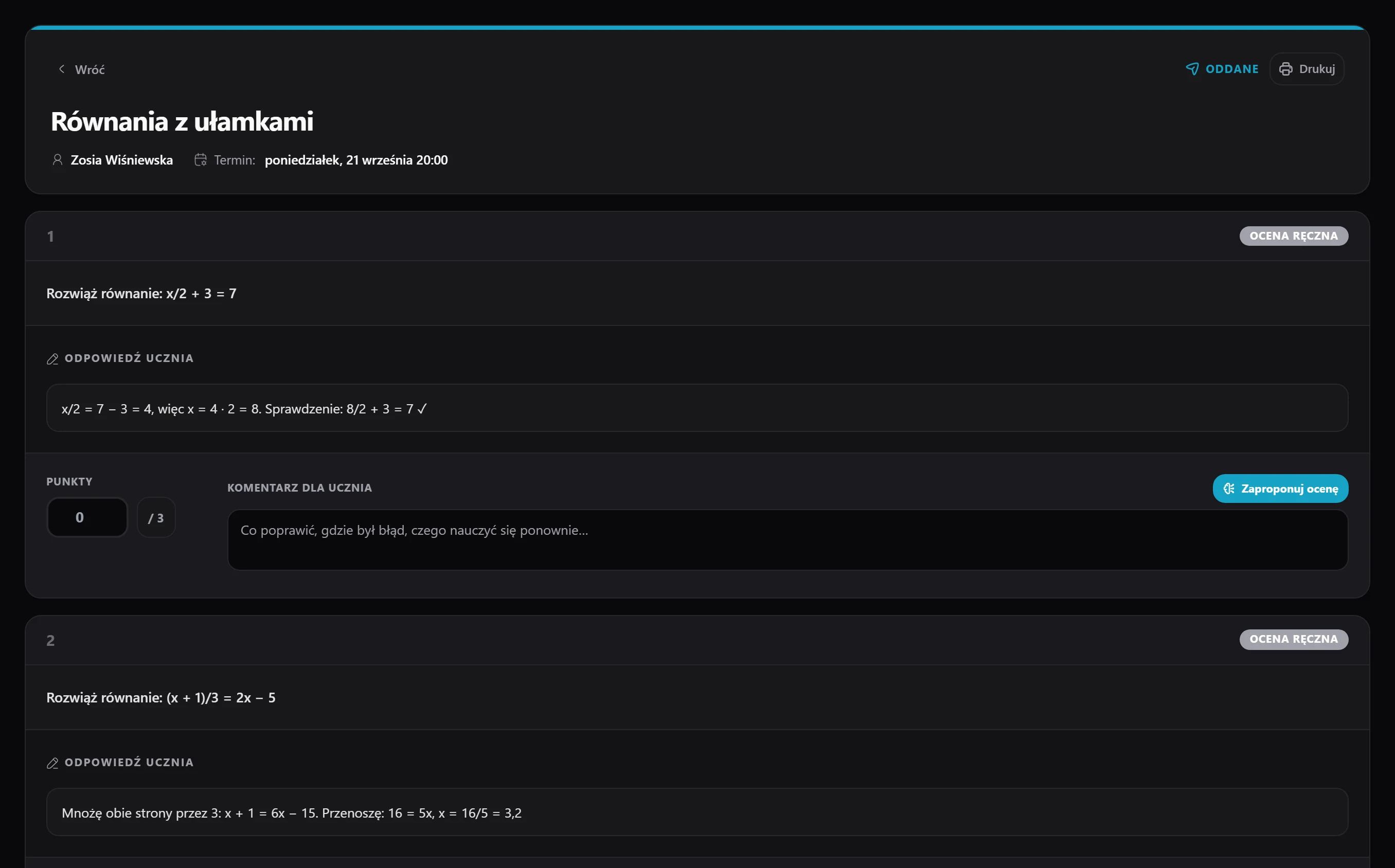
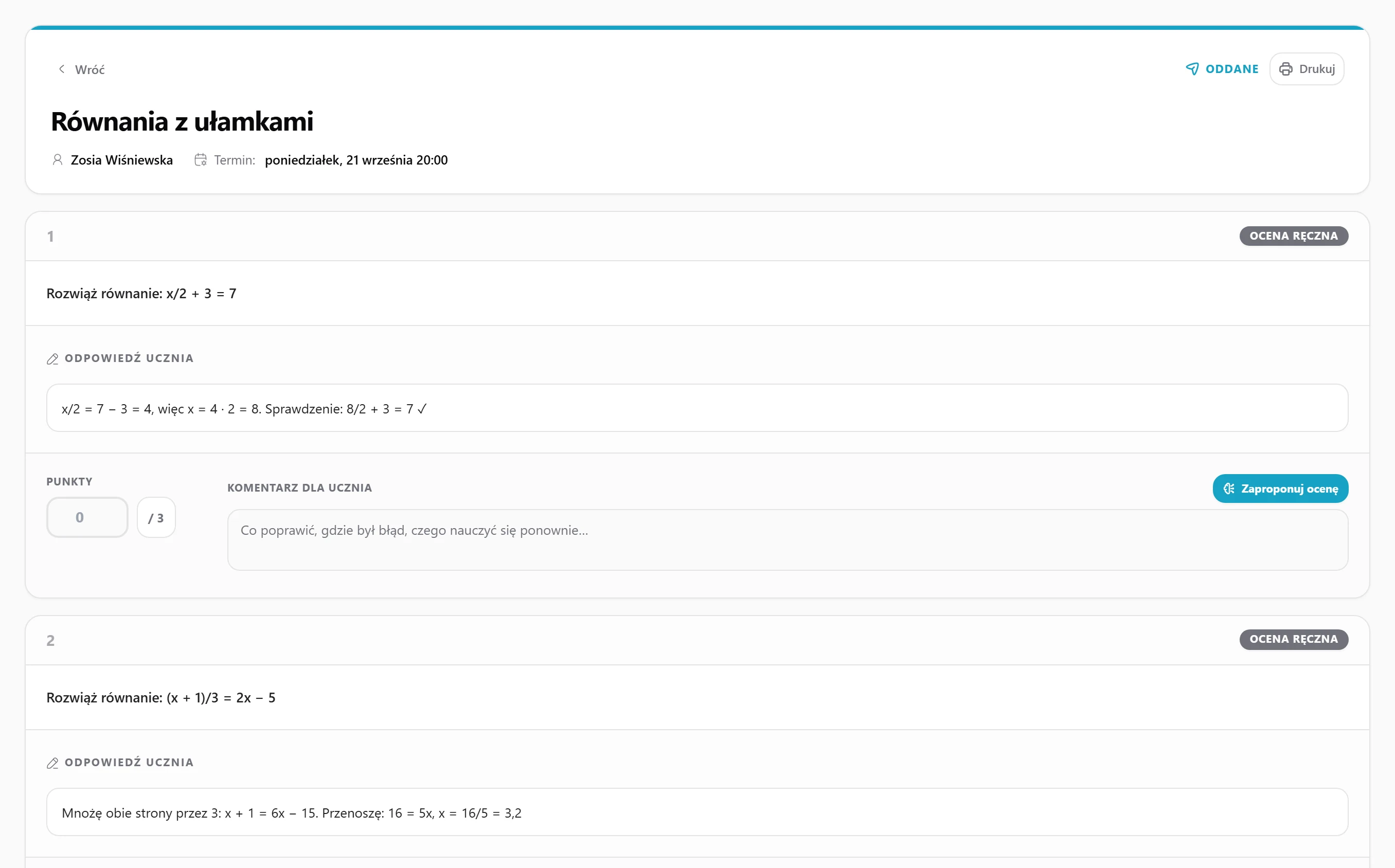
You set work with a deadline, the student submits it through their panel, and you grade it - no paper sheets and no emails with attachments.
14 days of full access, free, no card
You save recurring assignments as templates, so you then set the "Functions worksheet" with a single click.
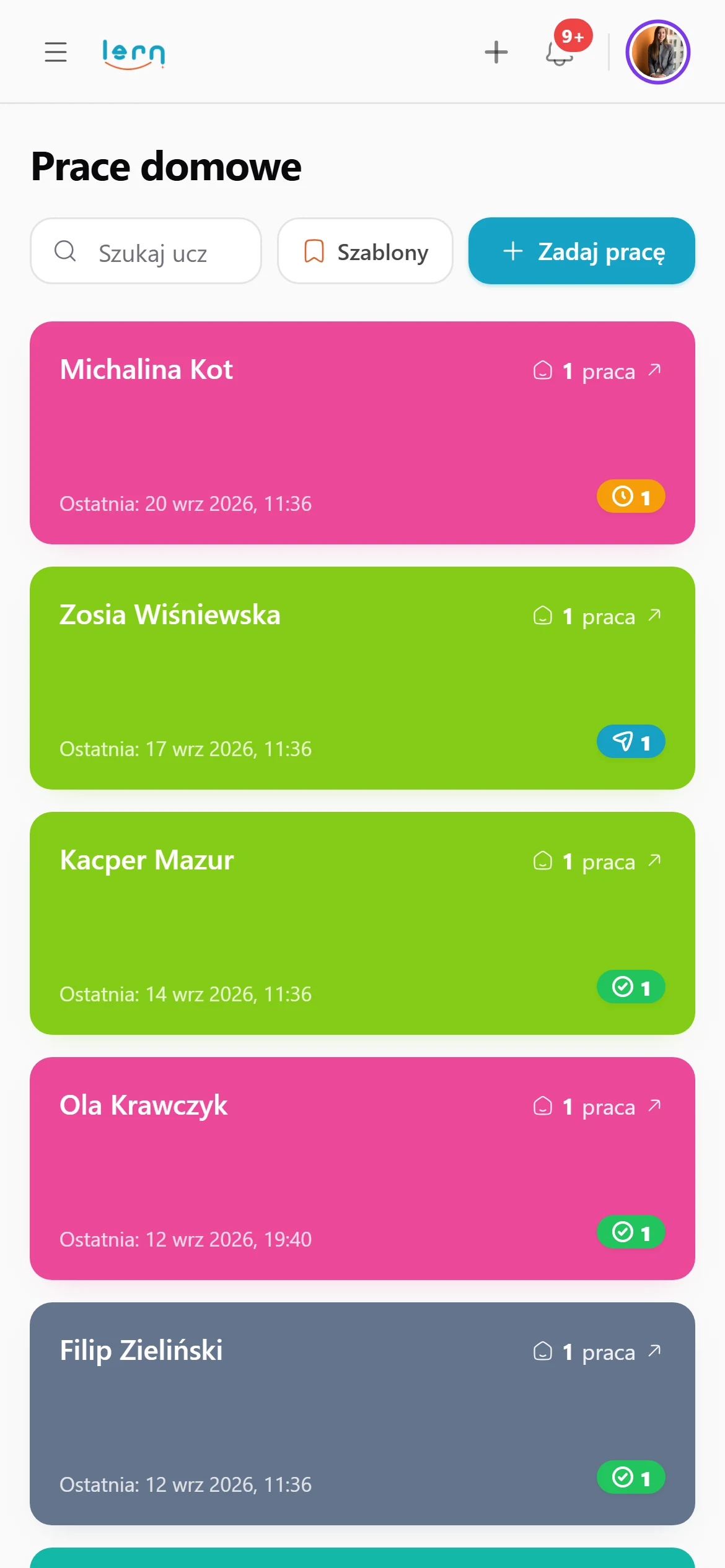
The student gets an email the day before and a second one in the morning on the due day, so "I forgot" stops being an option.
The student uploads a scan, photo or PDF through their panel, and the file lands with you right away, ready to grade.
You grade a single exercise or the whole work - with a comment, a 1-to-5 scale and any attachments with corrections.
The homework grade goes straight into the progress view as a topic rating, so you definitely won't forget about it.
All the work from the whole year - submitted, late and not submitted - is with the student, with a filter by subject and date.
You give it a title, description and deadline, add a PDF of exercises if needed and pick the students it goes to.
The student gets an email and a notification in the panel, and sees the work on their to-do list, with the deadline always at hand.
The student uploads the solution through their panel, and you get a notification that the work is waiting to be graded.
You award points for individual exercises, add a comment and any corrections, and the student sees their result right away.
Everything's online, so nothing gets lost.
(sorry, doggo)
Homework, grade, progress and a parent email in one flow.
Students upload the page from their phone. No scanner.
Three typical situations where tutors put this to work.
You set homework after every lesson. Save recurring sets as templates, and your student gets a reminder the day before the deadline and on the morning it's due.
Your student prefers solving on paper. They snap a photo with their phone and upload it through their dashboard, no scanner and no emails with attachments.
Before the matura, you assign problems from past papers. Add them from the bank in one click, and every grade goes into the student's progress.
Here's how it usually goes without Lern.
Data flows between modules on its own, so you never retype anything.
Through their panel: they upload a photo of the page, a scan or a PDF. The file lands with you, ready to grade.
Yes. One email arrives the day before and another on the morning it's due.
Grade individual tasks or the whole piece, add comments and corrections. The student sees the result straight away.
Yes. Choose the students when you create it, and save recurring homework as templates.
Deadline, reminder and grading - without a single sheet of paper.
Get started for free