
Profile with parent contact
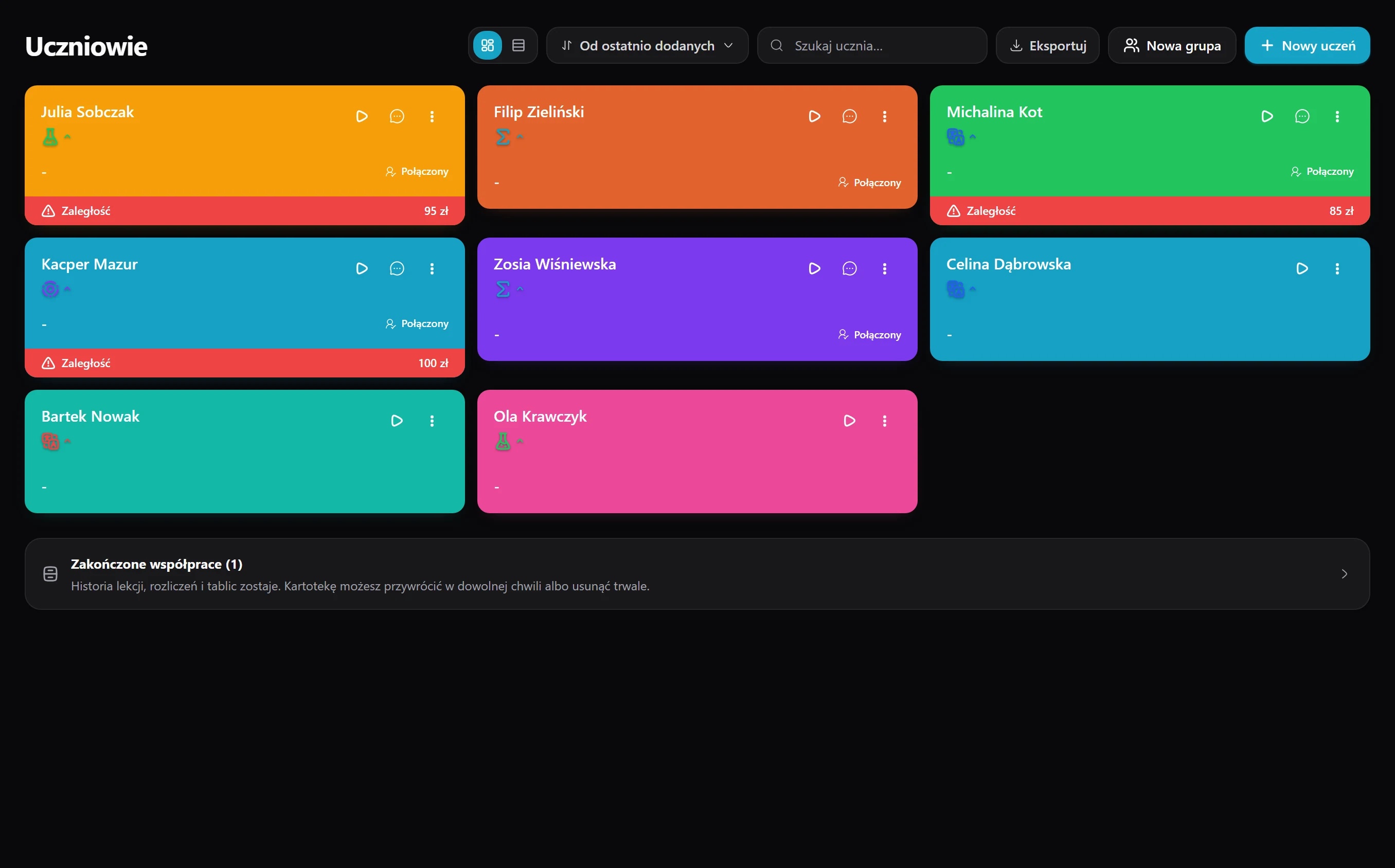
Phone, email and a parent contact are in one view, and if needed you add two guardians (e.g. both parents and a grandmother) and issue the invoice to whichever you choose.
Every student has their own hub with you - profile, rate, schedule and progress - and once their account is linked they see their lessons, boards and homework in a separate panel.
14 days of full access, free, no card
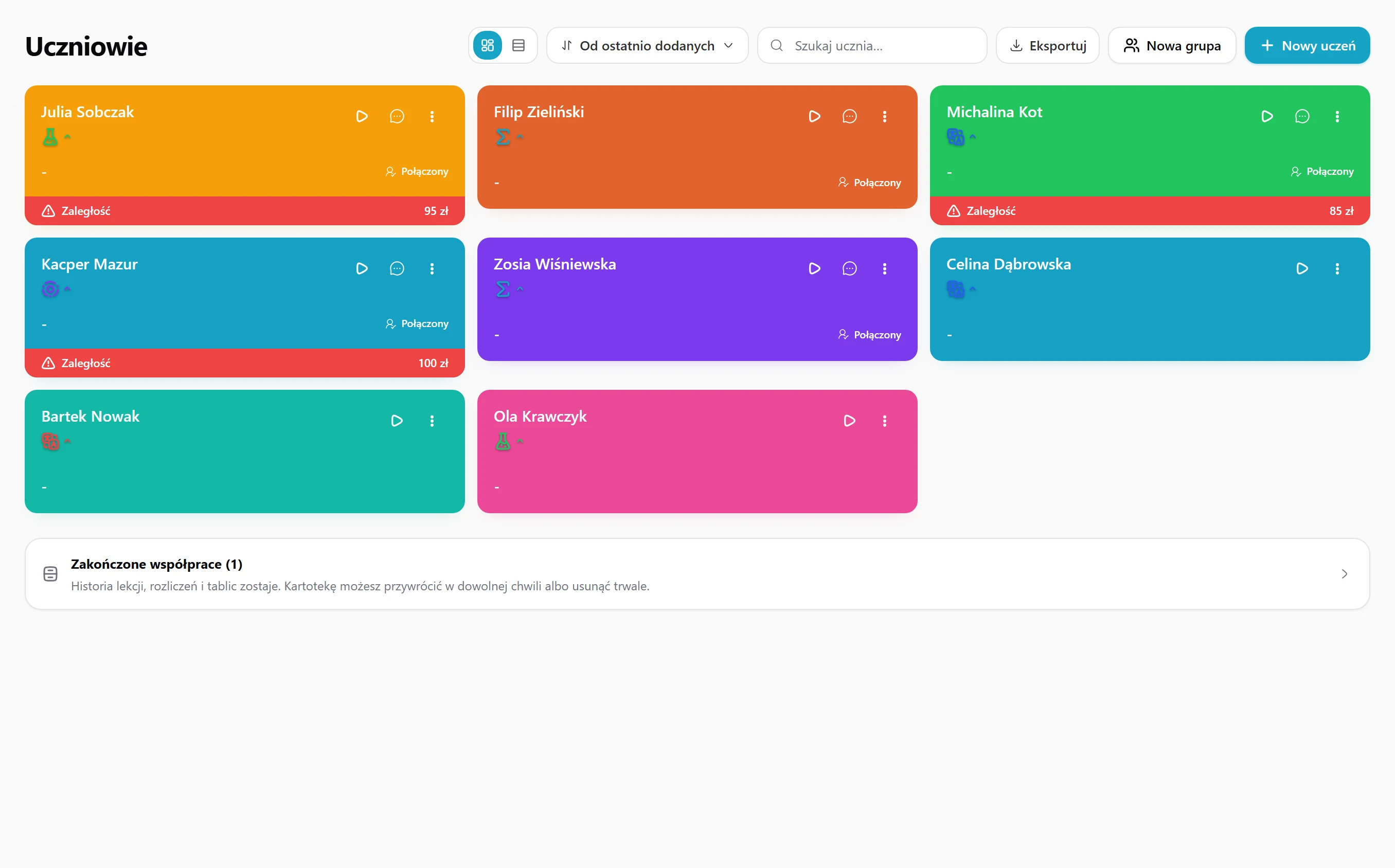
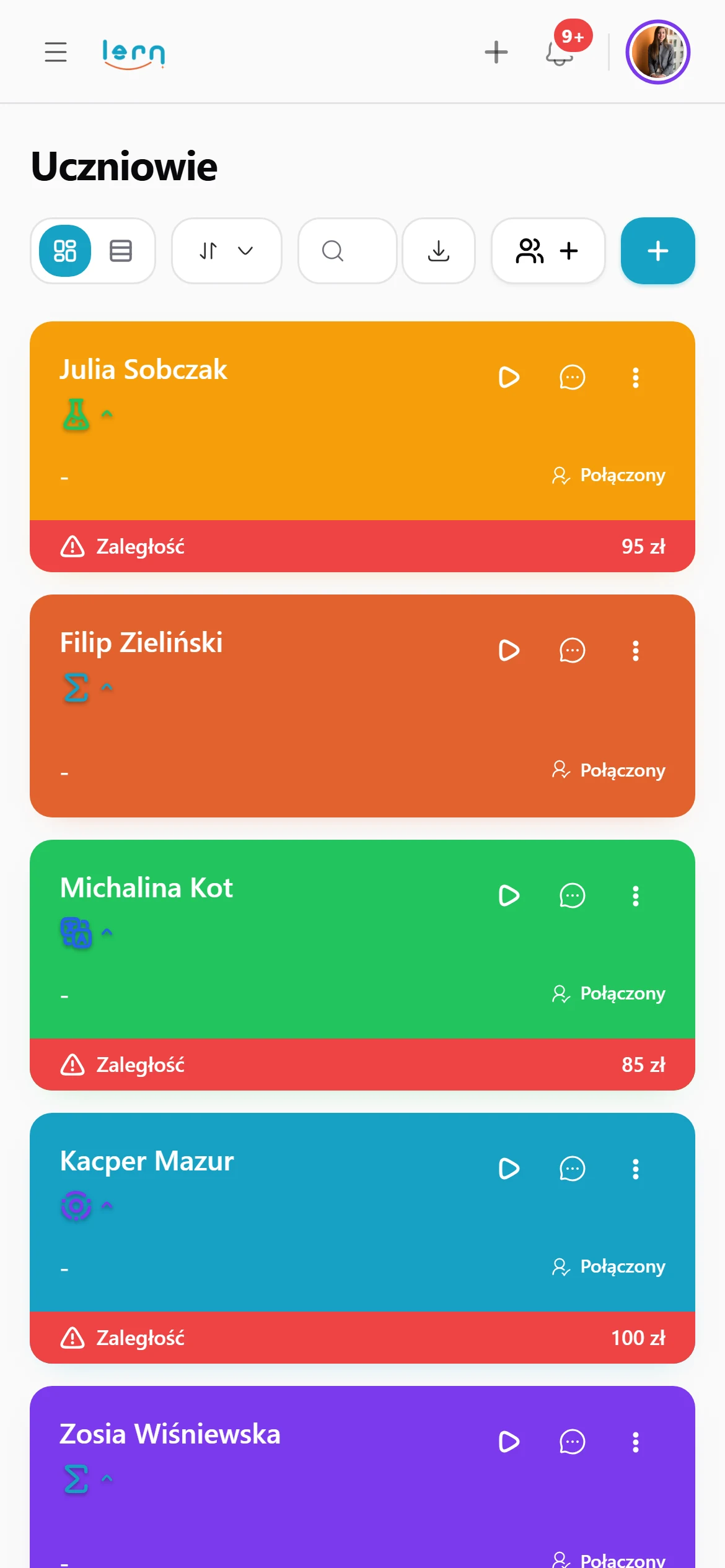
Phone, email and a parent contact are in one view, and if needed you add two guardians (e.g. both parents and a grandmother) and issue the invoice to whichever you choose.
Recurring slots like "Mon 4-8 pm" go into your calendar and booking page, and the hourly rate fills itself into invoices and lesson billing.
You jot down what the student wants to achieve, what they struggle with and what works for them - only you see these notes, they reach neither the student nor the parent.
You click "Invite to the panel", the student gets an email with a link, and after they accept the status changes to "Linked" and the student sees their own view of lessons, boards, homework and progress.
Board, homework, invoices, progress, chat and bookings - every module knows the student, so when you open any view, they're already selected.
All lessons, boards, topic ratings, invoices and messages gather with the student a year back, so you return to any conversation in two seconds.
Two fields are enough - name and email - for the profile to appear right away, and you add the phone, parent, goals and subjects whenever it suits you.
Recurring slots like "Wednesday 5:00 pm · maths" go into the calendar and the public booking page, and the hourly rate later jumps into invoices by itself.
You click "Invite to the panel", the student gets an email, sets up an account and sees their panel - upcoming lessons, boards, homework to do and progress - and a "Linked" label appears on your end.
You create a board and the student is on it right away and sees it on their end; you set homework and they get a notification; you rate topics and the results land in their "Progress"; you issue an invoice and the buyer details and rate fill in by themselves.
Boards, invoices, chat and progress all use one profile.
Students get their own panel with schedule, boards and homework.
Not the student, not the parent, not another tutor.
(so be honest)
Three typical situations where tutors put this to work.
You teach students from different years and subjects. Each has a profile with their rate, schedule, goals and parents' contacts, so you don't dig through your phone and inbox before a lesson.
You work with the student, but a parent pays. The profile holds both parents' contacts, and you invoice whichever one you choose.
Invite your student to their dashboard. They see upcoming lessons, boards, homework and progress there, so “what are we doing today?” stops coming up.
Here's how it usually goes without Lern.
Data flows between modules on its own, so you never retype anything.
Just a name and an email. Phone, parent details, goals and subjects can be added later, whenever you like.
Yes. After accepting the invitation, the student sees upcoming lessons, boards, homework and progress.
No. Your notes about a student are visible only to you, never to the student or parent.
Yes. Add both parents, for example, and issue invoices to whichever one you choose.
A name and an email are enough to start - add the rest later.
Get started for free