
Public booking page
At your own address you show your availability and subjects, and the student, without creating an account, picks a slot you get an email about right away.
Your tutoring calendar gets a public booking page: the student picks a free slot themselves, you accept it, and the lesson syncs to Google Calendar right away - no Calendly, no hassle.
14 days of full access, free, no card
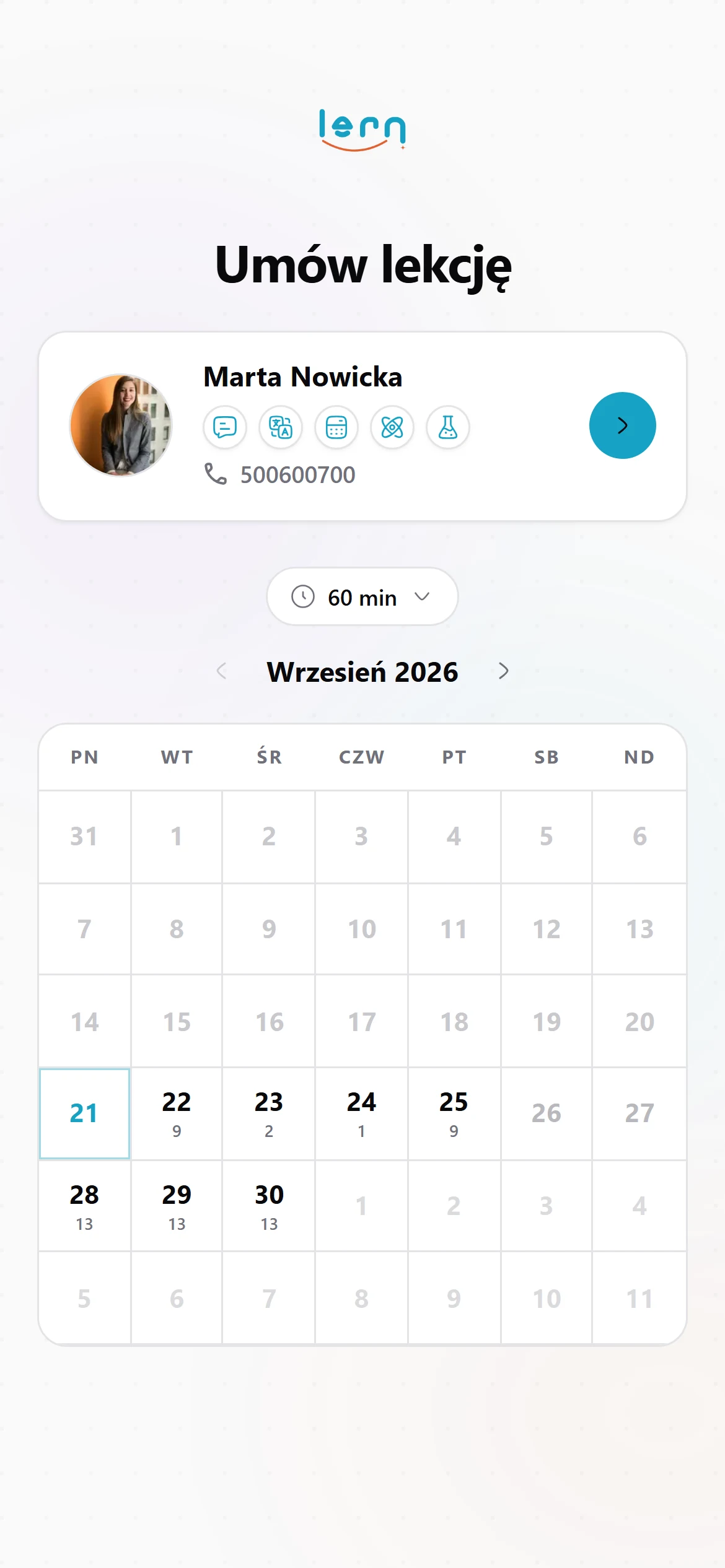
At your own address you show your availability and subjects, and the student, without creating an account, picks a slot you get an email about right away.
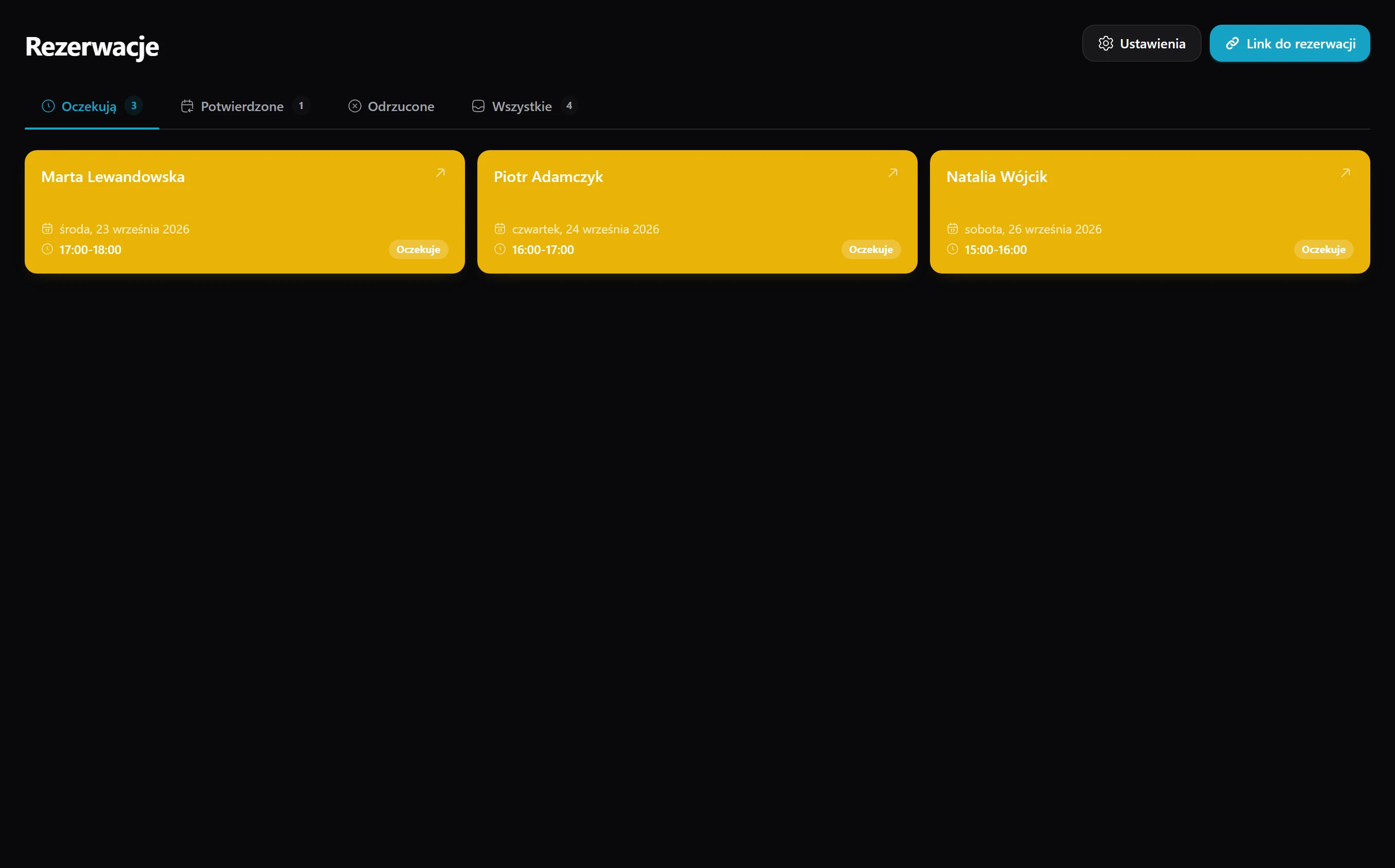
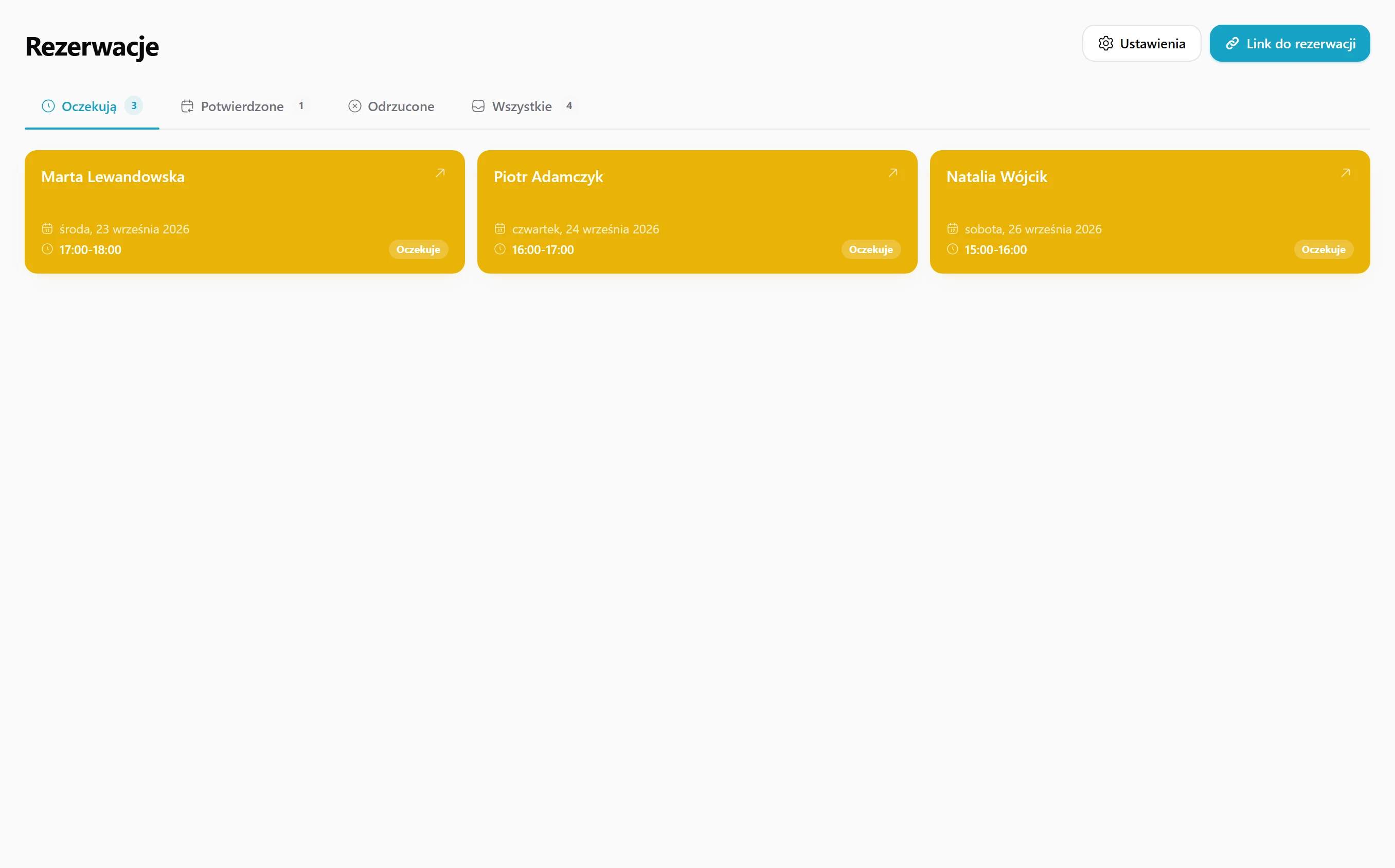
You have all pending requests in one view, and by accepting them you assign an existing student or create a new one right away.
If two students wanted the same slot, only the first gets through - so you never fall into two overlapping lessons.
After acceptance the lesson jumps into your Google Calendar by itself, so you don't re-enter slots by hand or do the same thing twice.
Confirmations, declines and cancellations go out by themselves, in a consistent look and without your involvement.
The student gets their own link with which they cancel the booking without logging in and without calling you.
On the weekly calendar you mark free hours with the mouse, and you set recurring slots like "Mon 4-8 pm" with a single click.
You put your public address on Instagram, in your bio and in your email - everywhere you point to the same link.
The student books a slot, and you get an email "New booking from Anna K. for Sat 12:00" that opens the booking view with one click.
You accept, assigning an existing or new student, and the rest happens by itself: the lesson lands in the calendar, the email goes out, and the whole thing is saved in the history.
Free slots and bookings in one place.
You and your student see the same time.
Every booking step is recorded.
Three typical situations where tutors put this to work.
You have a social media profile or an online ad. Paste the link to your booking page there, and new students pick a free slot themselves, without five messages back and forth.
Your free hours change every week. Mark them on the calendar, and your booking page only shows what's actually free, so two people can't book the same slot.
You plan your day in Google Calendar. An accepted lesson shows up there automatically, so you don't retype times or end up with two calendars that drift apart.
Here's how it usually goes without Lern.
Data flows between modules on its own, so you never retype anything.
No. The student opens your booking page, picks a free slot and leaves their contact details. You get an email and accept or decline.
Yes. An accepted lesson appears in your Google Calendar automatically, so you never copy times by hand.
Only the first booking gets it. Two lessons at the same time can't end up in your calendar.
Yes. After booking they get their own link to cancel without logging in or calling you.
Students start booking themselves - you just approve the times.
Get started for free